
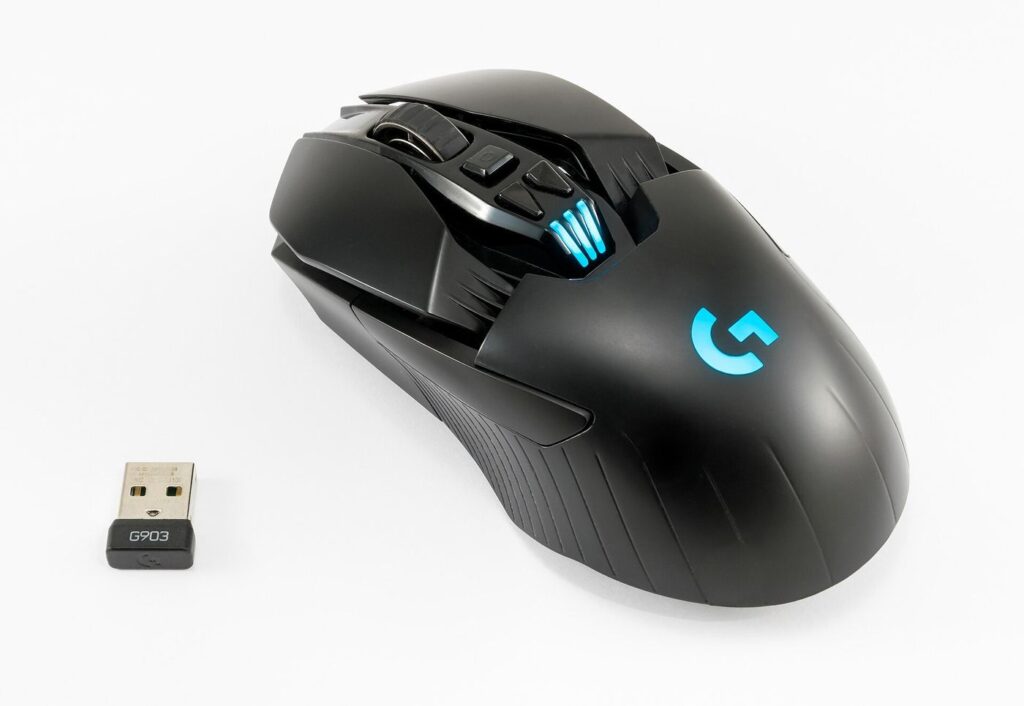
Ask most players which input a macro tool must get right, and they will point at the mouse. Keystrokes are tidy and digital; mouse work is analogue — movement paths, press-and-hold drags, wheel scrolls, timing measured in fractions of a second. TG Macro records all of it as a single timeline, which opens up a set of tricks that keyboard-only tools simply cannot touch.
Clicks With Timing, Not Just Clicks
A recorded click carries its context: where the pointer was, how long the button stayed down, and what happened just before and after. That makes reliable work of sequences that defeat manual consistency — double-click interactions in inventory screens, press-and-hold crafting buttons, or rapid sequences of dialog choices. In the editor you can see each click as an event and tune the pauses around it, so an interface that loads slowly gets the grace it needs.
Drags, Draws and Camera Moves
Drag actions are where mouse macros feel like magic. Sorting an inventory by dragging items between grids, drawing a selection box around a group of units, swinging the camera through a fixed arc to check flanks — all of these are pointer paths, and all of them can be recorded once and replayed exactly. Strategy and management players lean on this heavily: a build-order opening that includes two drag-selects and a camera swing becomes one key press, executed identically every match.
Scroll Sequences and Menu Diving
Menus buried under scroll wheels are another quiet win. Weapon wheels, build menus, long shop lists — a recorded macro can scroll the exact number of steps, pause, and click the right entry, turning a fiddly four-second navigation into an instant. Combined mouse-and-keyboard sequences go further still: hold a modifier, scroll, click, release. It is the kind of compound action that feels clumsy by hand and effortless as a recording, one of the strengths highlighted at tgmmacro.org.
Set Up Once, Click Calmly
The practical advice is simple. Record mouse macros at your normal sensitivity, from a consistent pointer position, and test them at the resolution and settings you actually play with — pointer paths assume that environment. Do that, and TG Macro turns your mouse into the most reliable member of the team: every drag lands where it should, every scroll stops where it must, and your hands are free for the parts of the game that actually need them.
Pointer Precision: Resolution, Sensitivity and Surfaces
Mouse macros are only as good as the environment they were recorded in, and three variables decide whether playback lands where it should. Resolution comes first: a pointer path recorded at one screen size will miss its targets at another, so record at the resolution you actually play on — or keep a separate profile per display if you switch between a monitor and a laptop. Sensitivity comes second: changing DPI or in-game sensitivity rescales every recorded movement, which is why experienced users lock their settings once a library is built. Surface and sensor consistency come third; a mouse that tracks unevenly on a worn pad introduces wobble that no editor can remove. None of this is complicated, but it explains the most common mouse-macro mystery — “it worked yesterday.” Something in the chain changed. Keep the chain stable, test after any change, and your drags, scrolls and click chains will land with the same calm precision on the hundredth run as the first.
Related reading: Small-Business Credit Has Tightened. Owners Are Adapting
