
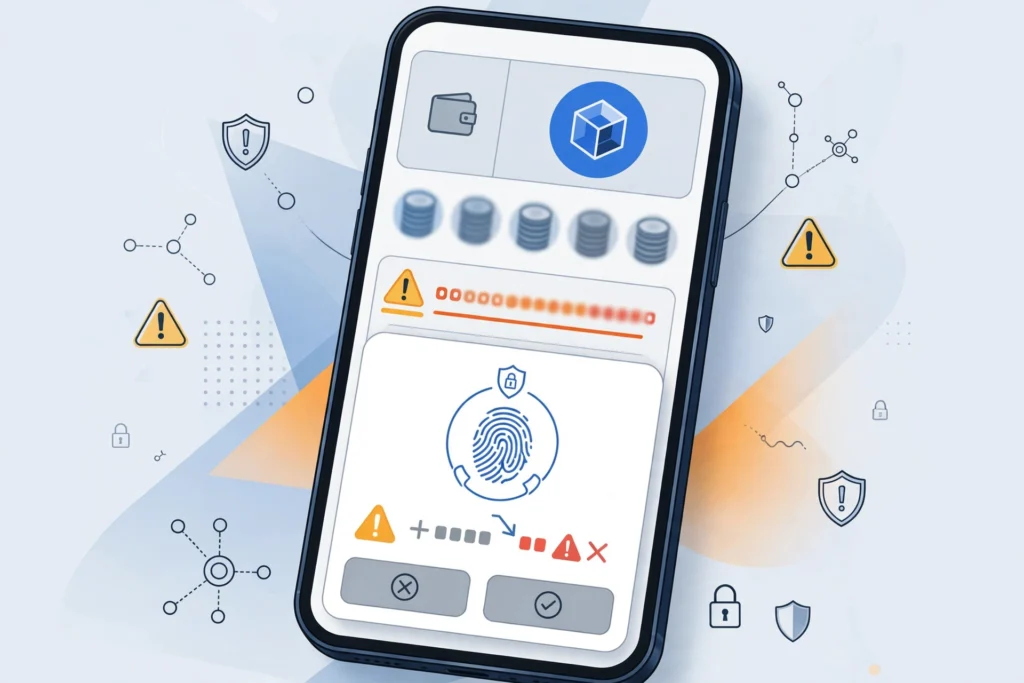
Passkeys were supposed to make crypto wallets simpler and safer. Instead of writing down a long seed phrase, a user could create a Coinbase Smart Wallet with a fingerprint, a face scan or a device PIN, and return to the same account in seconds. That promise is why a recent discussion among users on r/CryptoCurrency struck a nerve: several people described signing in with their passkey and landing in a different, empty address instead of the wallet that held their funds.
The reports do not suggest that funds vanished from the blockchain. In most accounts, the original address still exists and its balance can still be seen on a block explorer. The problem is access. The passkey the user trusted appears to open a newly created or previously unused smart wallet, leaving the owner looking at a zero balance while their real holdings sit, untouched and unreachable, at another address.
How a Passkey Can Open a Different Wallet
A traditional crypto wallet is controlled by a private key derived from a seed phrase. A smart wallet works differently. It is a smart contract account, and a passkey acts as a signer that can approve actions for that account. According to Coinbase’s Smart Wallet documentation, the wallet is designed to work across applications with passkey sign-in, without a separate app or extension.
That convenience creates a subtle risk. A passkey is stored by a device, a browser or a synced account such as iCloud Keychain or Google Password Manager. If a user creates a wallet on one device, later signs in on another, clears browser data, or creates a second passkey instead of reusing the first, the service can end up creating or selecting a different signer. Because each signer maps to its own smart wallet address, the user sees a different account, even though they followed what looked like the normal login steps.
Users in the discussion described familiar patterns: a new phone, a browser profile change, a passkey that failed to sync, or an option to create a wallet appearing when they expected a recovery option. None of those steps warns clearly enough that continuing could produce a second wallet rather than restore the first.
Why Recovery Is Harder Than Users Expect
With a seed phrase wallet, recovery is painful but well understood: enter the phrase in a new app and the same addresses return. With a passkey-only smart wallet, there may be no phrase to enter. If the original passkey is lost, deleted or not synced to the new device, the user must rely on whatever recovery method was set up at creation, if one was set up at all.
Coinbase advises users to keep access to their passkey and to understand their wallet’s recovery options, as explained in its Smart Wallet help pages. The difficulty is that many users only learn what those options are after something goes wrong. Some recovery experiences shared online ended well, with support or a synced passkey eventually restoring access. Others were still unresolved, with users able to prove an address held funds but unable to sign from it.
For more coverage of digital money and online services, readers can follow the latest updates on Upload Insider.
How to Protect Yourself Before It Happens
The first step is to record your wallet address. Copy the full address from your working wallet and save it outside the wallet itself. If you ever sign in and see a different address, stop. Do not deposit funds into the new wallet, and do not assume a zero balance means your money is gone. Check the original address on a block explorer first.
Second, test recovery while you still have access. Confirm that your passkey is synced to the account you expect, check which devices hold it, and add any available recovery method offered during setup. If your wallet offers an additional signer or recovery key, setting it up takes minutes and can be the difference between a scare and a permanent loss.
Third, be careful at the sign-in screen. Choose options to sign in or recover an existing wallet rather than create a new one, especially after changing phones or browsers. If a fresh, empty wallet appears, sign out and try the original device or browser before taking any other action.
Finally, keep meaningful balances diversified. Smart wallets are excellent for everyday use, small purchases and connecting to decentralised applications. For long-term savings, many experienced users still prefer a hardware wallet or a wallet whose seed phrase they control and have tested.
A Usability Lesson for All of Crypto
The episode is not really about one company or one login screen. It shows crypto’s central tension: removing seed phrases makes onboarding easier, but it replaces a risk users understood, however imperfectly, with a new one hidden inside device sync and account settings. Until passkey recovery is as predictable as entering a seed phrase, clear warnings, address checks and tested backups remain essential. A wallet that opens in one tap is a genuine advance, but only if it reliably opens the right address.
